
by Rinki Pandey December 16, 2025
For many property managers, the idea of changing systems is stressful. You’ve built workflows over the years: leases tracked one way, rent logged in familiar spreadsheets, maintenance handled by email or legacy tools. Moving that data to a new platform can seem risky, time-consuming, and disruptive.
But the reality is: most migrations fail due to poor planning, not poor software. With careful preparation, migrating property management systems doesn’t disrupt operations; it improves them. Cleaner data, smoother workflows, better visibility, and less friction become the new standard.
In this guide, we’ll walk through how to switch property management systems smoothly, without losing data, frustrating staff, or disrupting tenants. You’ll learn practical steps to ensure a successful transition for your team and portfolio.
Understanding When It’s Time for Migration
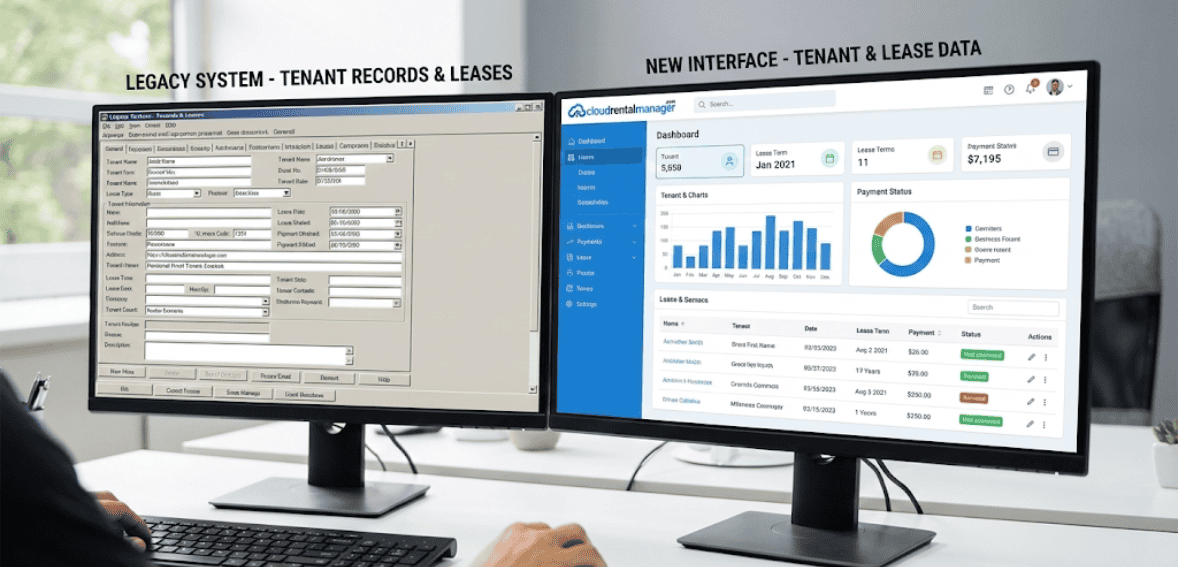
Most property managers don’t wake up one morning and decide to migrate software. The decision usually comes after months or years of small frustrations piling up. Reports take too long to generate. Lease renewals get missed. Team members double-enter data. Owners ask for insights you can’t easily provide.
These problems aren’t always obvious signs of failure, but they are signals of stagnation. As portfolios grow, systems that once worked well begin to show cracks. Manual processes become bottlenecks. Data lives in too many places. Accountability becomes harder to enforce.
Recognizing that your current system is limiting growth is the first step toward successfully implementing new property software. Migration isn’t about chasing shiny tools; it’s about removing friction that slows down people and decisions.
Preparing for Property Management Software Migration the Right Way
Before working with data or signing contracts, preparation is paramount. A smooth migration requires clarity about goals, data, and internal processes.
Many teams rush through this phase, mistaking migration for a simple move. Instead, treat it as an opportunity to document current workflows and future goals to prevent confusion later.
Preparation means knowing what data you truly need, what can be archived, and what should be corrected before migration begins. Old tenant records, duplicate vendor entries, and outdated lease terms these issues don’t disappear on their own. Migration simply exposes them.
When done thoughtfully, data migration rental software becomes a reset button rather than a risk. The right approach lets you start fresh, free of past data issues.
Cleaning and Organizing Your Data Before Migration
One of the biggest mistakes during switching property management systems is transferring messy data directly into a new platform. This is like moving into a new house without decluttering. You bring old problems into a new space.
Audit your data before migration tenant records, lease dates, payment histories, owner accounts, vendor lists, maintenance logs. You’ll often find inconsistencies that were previously addressed by manual workarounds.
Cleaning data isn’t perfection; it’s accuracy. Correct lease end dates, standardize naming, and remove inactive records not needed for operations or compliance. This step alone often boosts reporting quality before the new system launches.
A clean foundation makes onboarding new property management software dramatically easier for everyone involved. Well-organized data makes every future process smoother.
Choosing the Right Migration Strategy for Your Portfolio

Migrations don’t have to happen all at once. Gradual transitions are often more successful than abrupt switches, and the right approach depends on your portfolio.
Managers may choose to migrate property by property or start with core data, such as leases and tenants. The goal: minimize disruption and maintain continuity.
A thoughtful implementation plan allows teams to build confidence in the new system while keeping day-to-day tasks running smoothly. This reduces stress and resistance, especially among staff who are less tech-comfortable.
Migration isn’t a race. It’s a controlled transition designed to protect accuracy, trust, and productivity. Success comes from careful planning and gradual implementation.
Modern property management software, combined with workflow automation and data analytics, brings structure to complexity by centralizing operations, providing visibility across a portfolio, improving decision-making, and ultimately supporting better financial outcomes. With technology now redefining property management, understanding the tools and strategies shaping the digital era is essential for every commercial property manager aiming to stay competitive.
Managing Team Expectations During System Changes
Technology changes affect people before they affect processes. Even the best software will struggle if teams feel overwhelmed, excluded, or unprepared.
Clear communication is essential. Explain why changes are happening, what problems are solved, and how daily work benefits. When people understand the purpose, engagement increases.
Training should focus on workflows, not features. Staff don’t need to know every button; they need to know how to complete their tasks efficiently. Hands-on guidance, realistic timelines, and patience during the adjustment period go a long way.
Successful onboarding of new property management software is as much about emotional readiness as it is about technical readiness.
Avoiding Downtime and Operational Disruptions
One of the biggest fears during migration is operational downtime, missed rent postings, delayed maintenance requests, or confusion during lease renewals. While these risks are real, they are manageable with proper sequencing.
Maintaining temporary overlap between old and new systems can help teams verify accuracy before fully switching over. This validation phase ensures confidence without pressure. It also allows quick correction of errors before they impact tenants or owners.
Downtime is rarely caused by software itself; it’s caused by rushed timelines and unclear responsibilities. To minimize disruption, plan carefully and assign clear roles throughout rollout.
Validating Data After Migration: Trust but Always Verify
Once your property management software migration is technically complete, the real work begins. This stage is often underestimated, but it’s where long-term success is decided. Validation is not about mistrust; it’s about confidence. You want to be absolutely sure that what lived in your old system now lives correctly, completely, and cleanly in the new one.
Start with the most critical data first. Lease records, tenant balances, rent schedules, and owner statements should be reviewed carefully. Compare a sample set of records between the old and new systems. Do balances match? Are lease dates aligned? Are recurring charges showing up correctly? These checks catch issues early, before they impact real-world operations.
Validation should involve the people actually using the data. Accountants, leasing staff, and maintenance coordinators each see data differently. Their perspective helps surface inconsistencies that a technical check might miss. This shared review process also builds trust in the new platform and reduces anxiety around the transition.
Migration isn’t finished when data moves. It’s finished when people trust what they see on the screen. Always verify data and build user confidence to ensure long-term success.
Adjusting Workflows to Fit the New System (Not Forcing Old Habits)
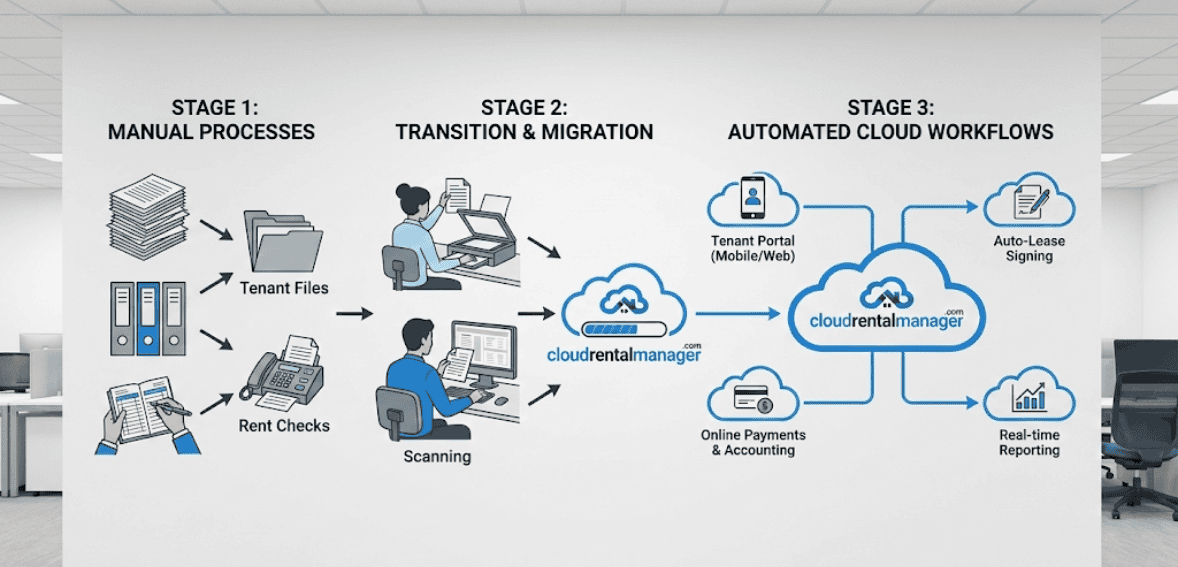
One of the biggest mistakes teams make after switching property management systems is trying to recreate old workflows exactly as they were. While familiarity feels comfortable, it often defeats the purpose of upgrading.
Modern platforms are designed around automation, integration, and visibility. They expect processes to flow differently. Instead of bending the software to mimic old habits, take time to understand how tasks are meant to be completed in the new environment.
For example, manual rent posting may be replaced by automated schedules. Email-based maintenance tracking may shift to centralized request portals. The owner reports that what once took hours may now be generated instantly. These changes require mindset shifts, not just clicks.
This phase is where efficiency gains truly appear. Teams that embrace updated workflows often realize they were doing extra work for years without realizing it. Letting go of outdated processes is uncomfortable, but it’s also liberating. Embrace new workflows for lasting benefits.
Training for Confidence, Not Just Competence

Training should never be treated as a one-time event. True onboarding of new property management software happens in stages, as people encounter real scenarios in their daily work.
Initial training introduces the system. Follow-up training builds confidence. Refresher sessions reinforce best practices. The goal isn’t mastery, it’s comfort. When users feel comfortable, adoption sticks.
Encourage questions. Normalize mistakes. Create simple internal guides based on your actual workflows rather than generic documentation. When team members know where to go for help, they experiment more and rely less on workarounds.
Strong training cultures turn software from a tool into an ally. Ongoing learning helps staff adapt, troubleshoot, and get the most value from new systems.
Managing Tenant and Owner Communication During Transition
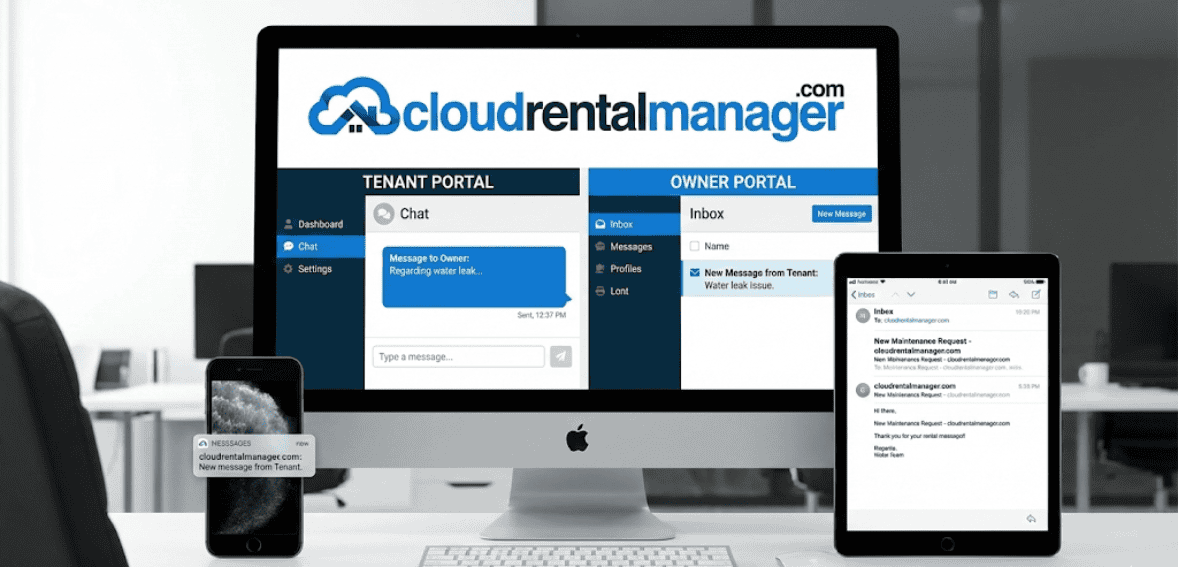
While much of migration happens behind the scenes, tenants and owners may still notice changes. Payment portals, statement formats, and maintenance workflows can raise questions if not communicated properly.
Transparency matters. Simple messages explaining what’s changing, when it’s happening, and how it benefits them reduce confusion and build trust. Most stakeholders don’t mind changing their mind surprises. Proactive communication reassures and retains stakeholder confidence during transitions.
For tenants, clarity around payment methods and maintenance requests is especially important. For owners, reporting timelines and access credentials should be communicated early. Proactive communication prevents support overload and reinforces professionalism.
Technology upgrades are opportunities to strengthen relationships, not strain them.
Measuring Success After Implementation
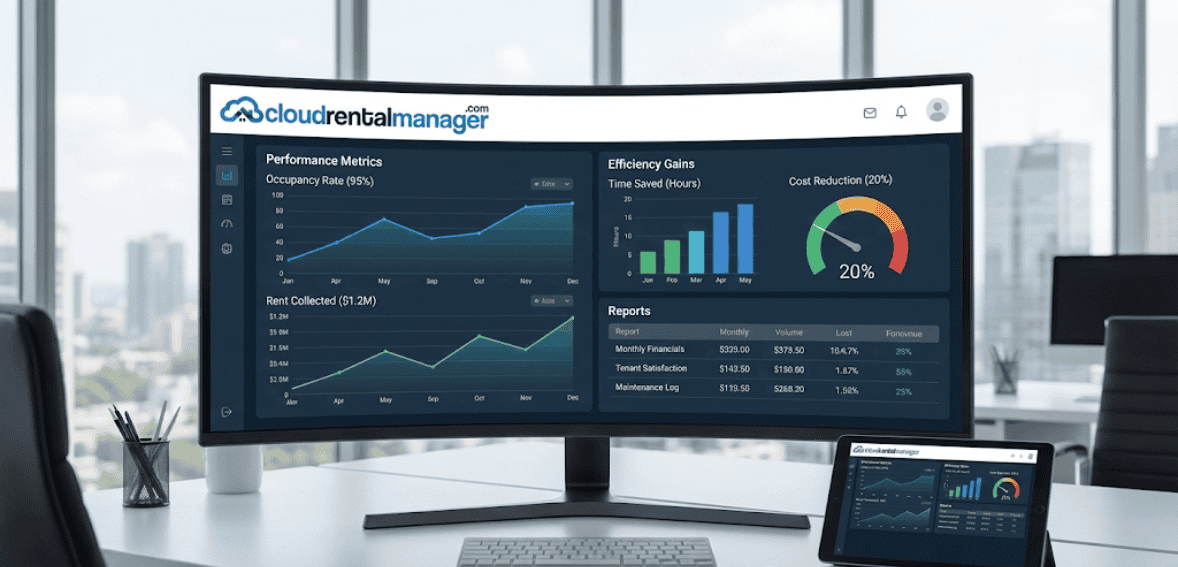
Once the dust settles, it’s important to evaluate whether the migration delivered on its promise. Success isn’t just technical, it’s operational.
Look at measurable improvements. Are tasks taking less time? Are errors reduced? Are reports easier to generate? Are team members less reliant on spreadsheets and manual tracking? These indicators reveal real return on effort.
Equally important are qualitative signals. Is the team less stressed during peak periods? Is onboarding new hires easier? Are owners more satisfied with visibility and reporting? These human outcomes matter as much as efficiency metrics.
Implementing new property software should make work smoother, not just different.
Continuous Optimization: Migration Is the Beginning, Not the End
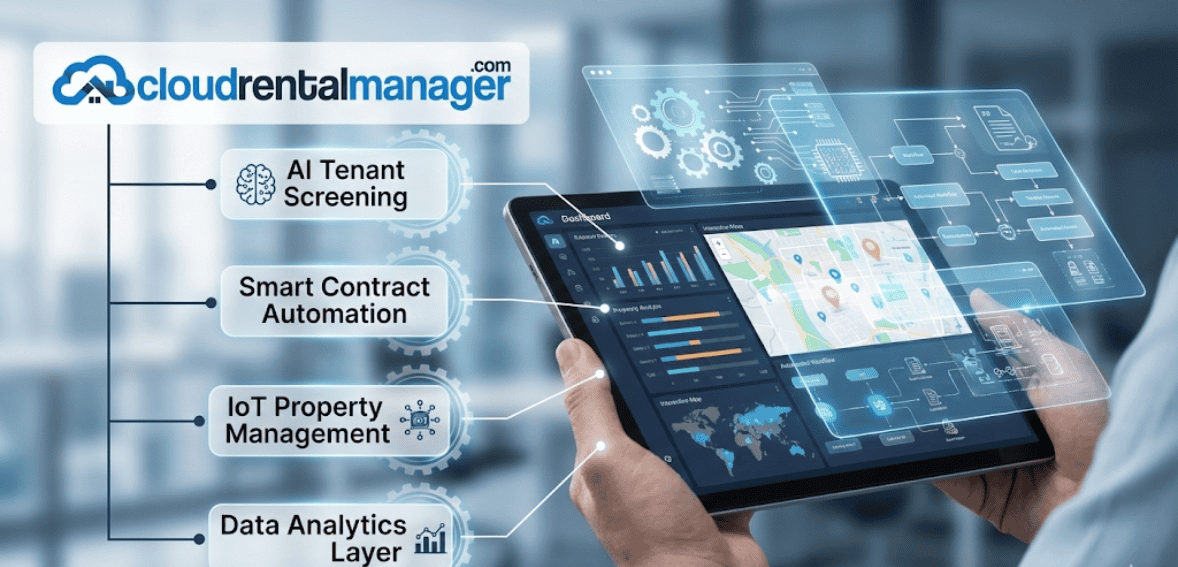
Many teams treat migration as a finish line. In reality, it’s a starting point. Once the system is stable, optimization begins.
Over time, gradually explore advanced features. Automations, integrations, and reporting tools should be layered thoughtfully rather than implemented all at once. As confidence grows, so does capability.
Regularly revisit workflows. Ask what still feels manual, repetitive, or unclear. Modern platforms evolve, and your use of them should evolve too. Continuous improvement ensures the system grows alongside your portfolio.
Property management software migration isn’t about changing systems; it’s about building better operations over time.
Common Mistakes to Avoid When Switching Systems
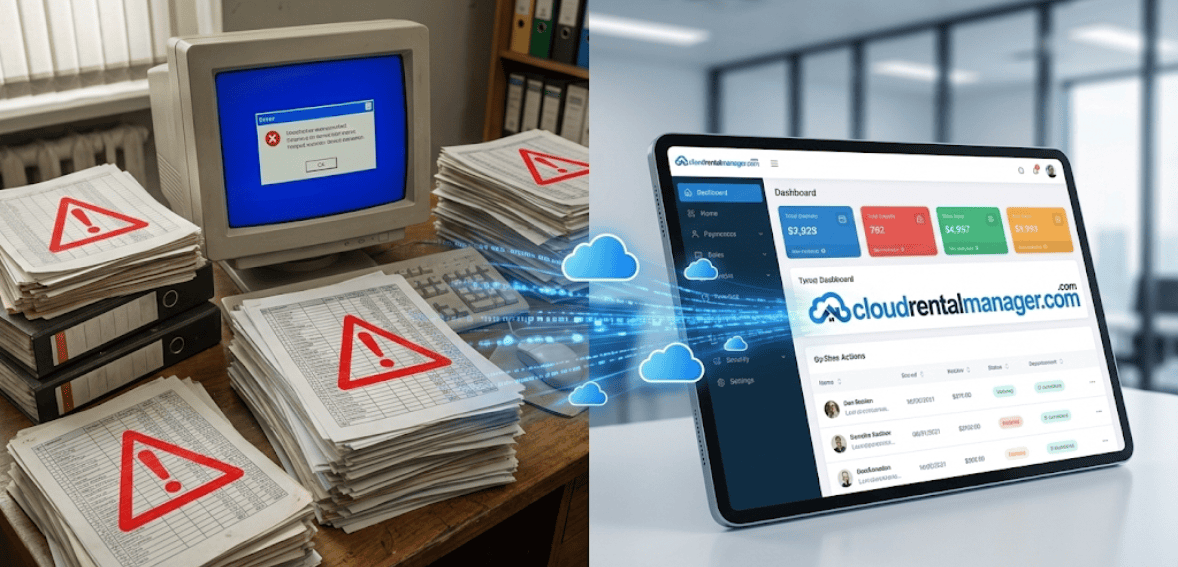
The most frequent migration failures are rarely technical. They’re behavioral.
Rushing timelines leads to overlooked data issues. Skipping training creates resistance. Migrating messy data compounds old problems. Under-communicating creates fear and frustration. Trying to replicate outdated workflows limits growth.
Avoiding these mistakes doesn’t require perfection; it just requires patience and planning. Successful teams move deliberately, listen actively, and adapt continuously.
Migration rewards those who treat it as a process, not a project.
Conclusion: Turning Migration Into Momentum
Switching property management systems is one of the most impactful decisions a property manager can make. When handled with care, it reduces chaos, improves clarity, and unlocks scalability that manual systems can’t.
Property management software migration is not about abandoning the past; it’s about building a stronger future. A future where data is reliable, workflows are efficient, teams are confident, and growth feels manageable rather than overwhelming.
Handled thoughtfully, migration doesn’t disrupt your business. It elevates it.
FAQs
How long does a property management software migration usually take?
It depends on portfolio size and data complexity, but most migrations take several weeks from planning to full adoption. Rushing the process often causes more delays later.
Is data loss common during migration?
Data loss is rare when migration is planned properly and validation steps are followed. Most issues come from unclean source data, not the migration itself.
Can small property managers benefit from migrating systems?
Absolutely. Smaller portfolios often see faster gains because automation quickly replaces manual work, freeing up time and reducing errors early.
Do I need technical expertise to manage a migration?
No. While technical support helps, successful migration relies more on process clarity, communication, and training than technical skill.
When should I start optimizing after migration?
Once core workflows are stable and users are comfortable, it is usually within a few weeks. Optimization should be gradual and continuous.